Focus: be the manager your agents need, without watching their screens
Focus turns managing AI agents into something like managing people: decisions arrive as cards, you answer in a tap, and the rest of the app dims so one thing gets your attention at a time.
Managing AI agents has been awkward in the same way managing people over video calls is: you either watch their screen all day or you find out what happened when it's too late. Focus is our answer to that. It treats agents like team members: you make the calls when they're needed, and otherwise you let them work.
One card at a time
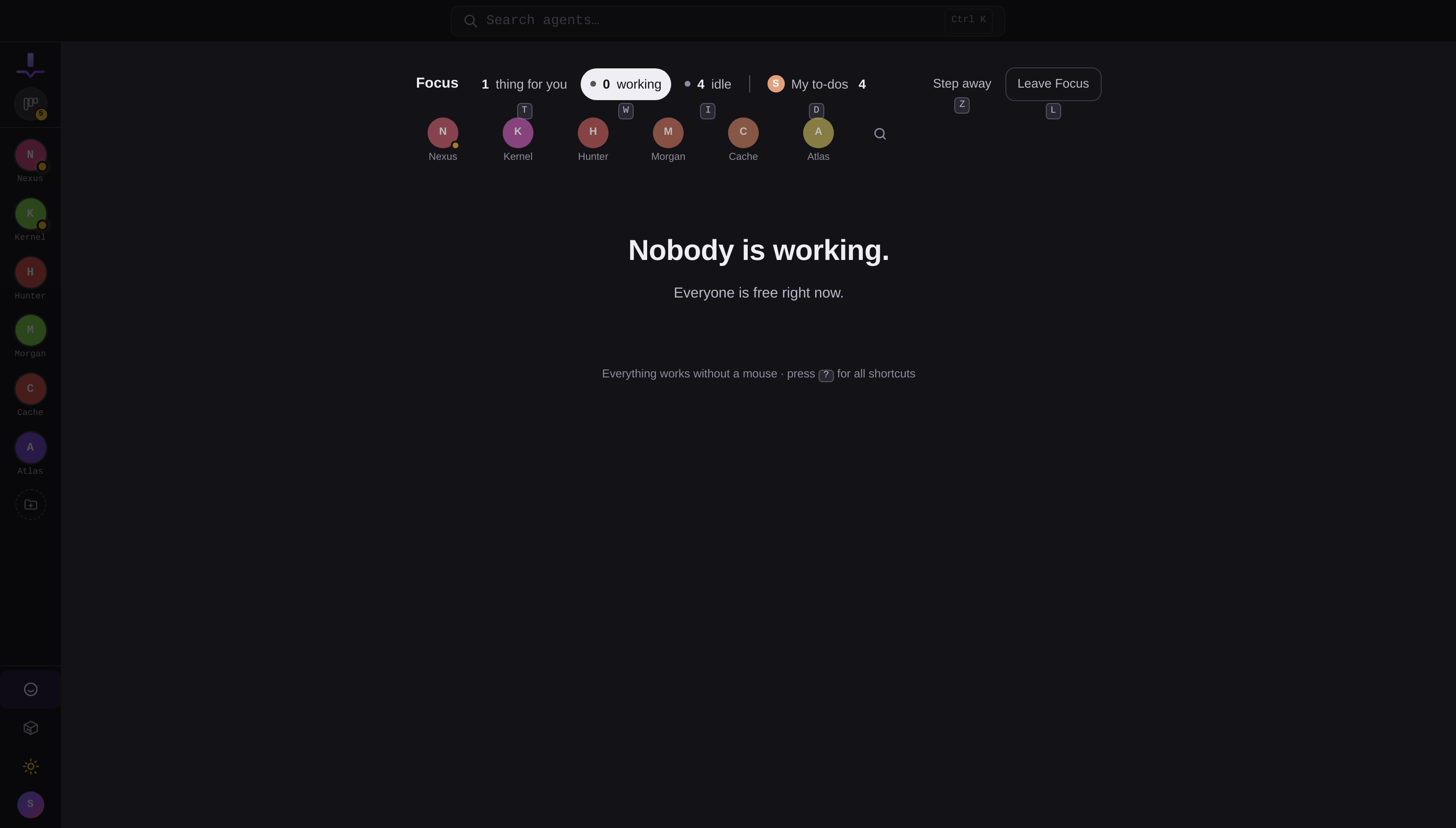
Open Focus from the rail and it takes over the screen: everything else dims to the background. Instead of an inbox to triage, you get a single card, the one that needs you most. Swipe or arrow through the stack behind it. When the queue is empty, Focus tells you so and gets out of the way.
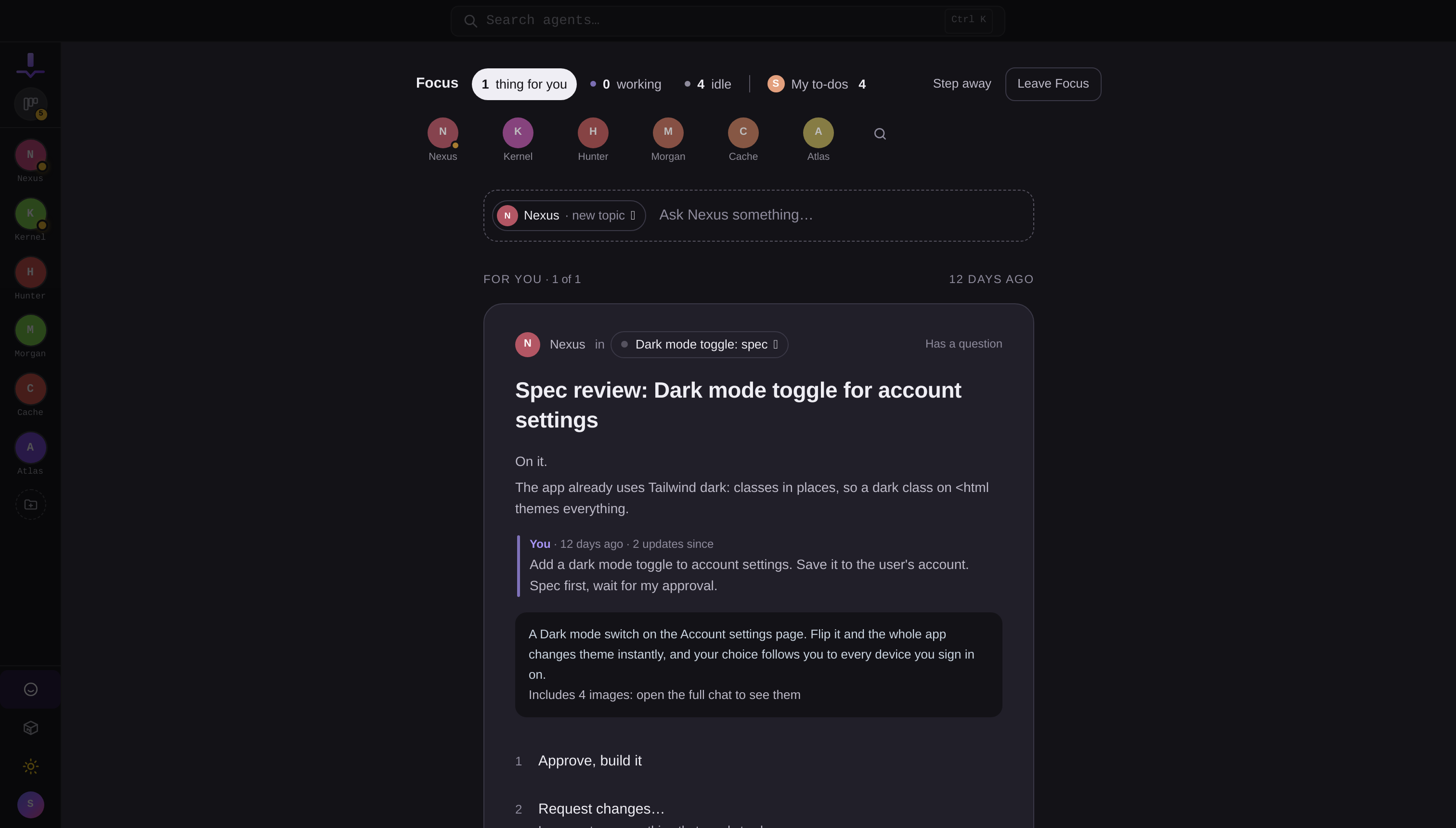
A decision card is an agent holding its run for you. The question is on the card with supporting detail, and up to nine numbered answers, one of them marked as suggested if the agent has an opinion. Some options open a text box right on the card when they need specifics. Answer with a tap, a number key, or your voice.
The face strip
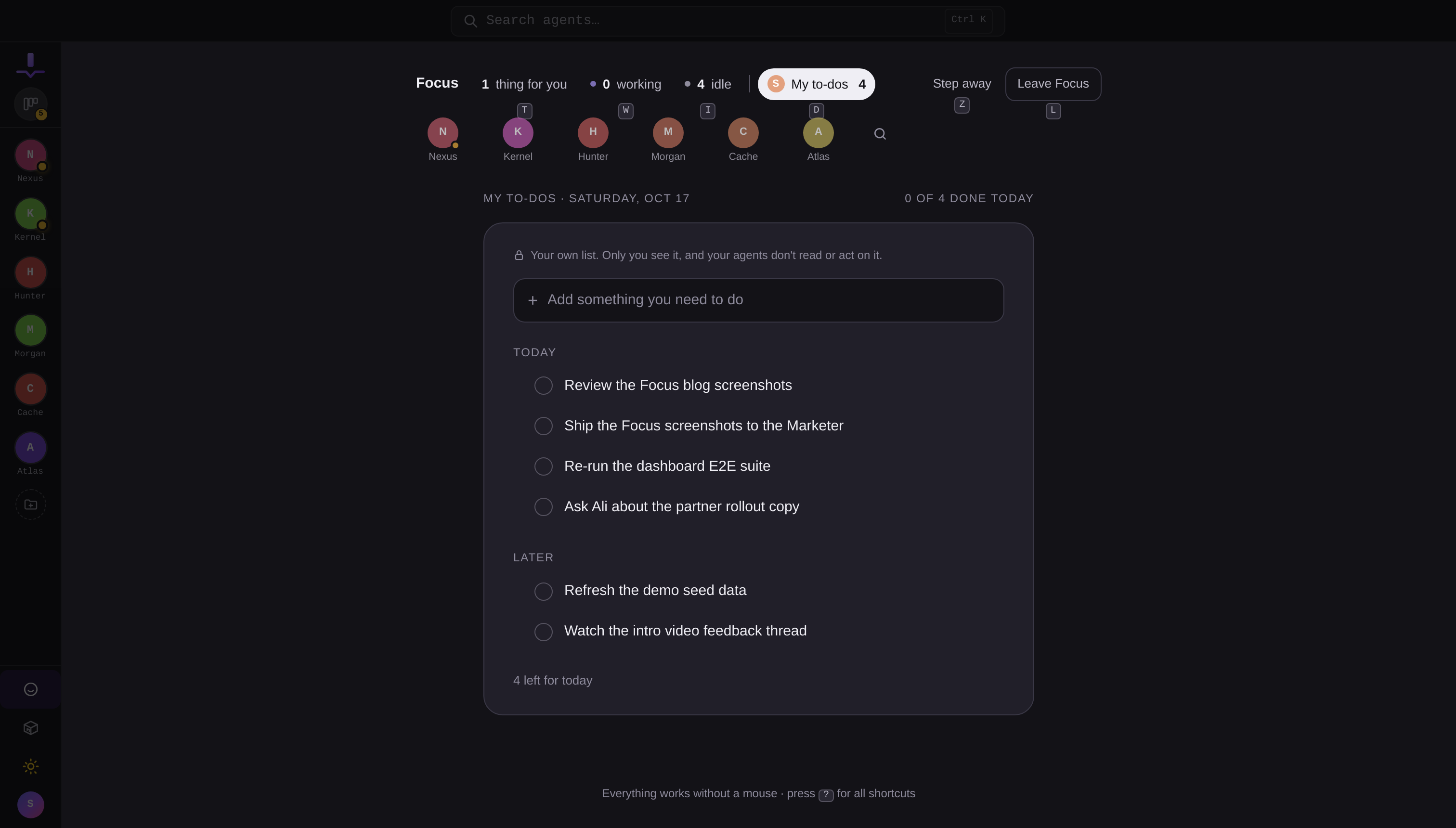
Along the bottom, the people you're working with: your agents and pinned topics as faces, with a dot for working or needs-you. Click anyone, working or idle, to open their card. It reads like a team roster, because that's what it is.
Your own list, invisible to agents
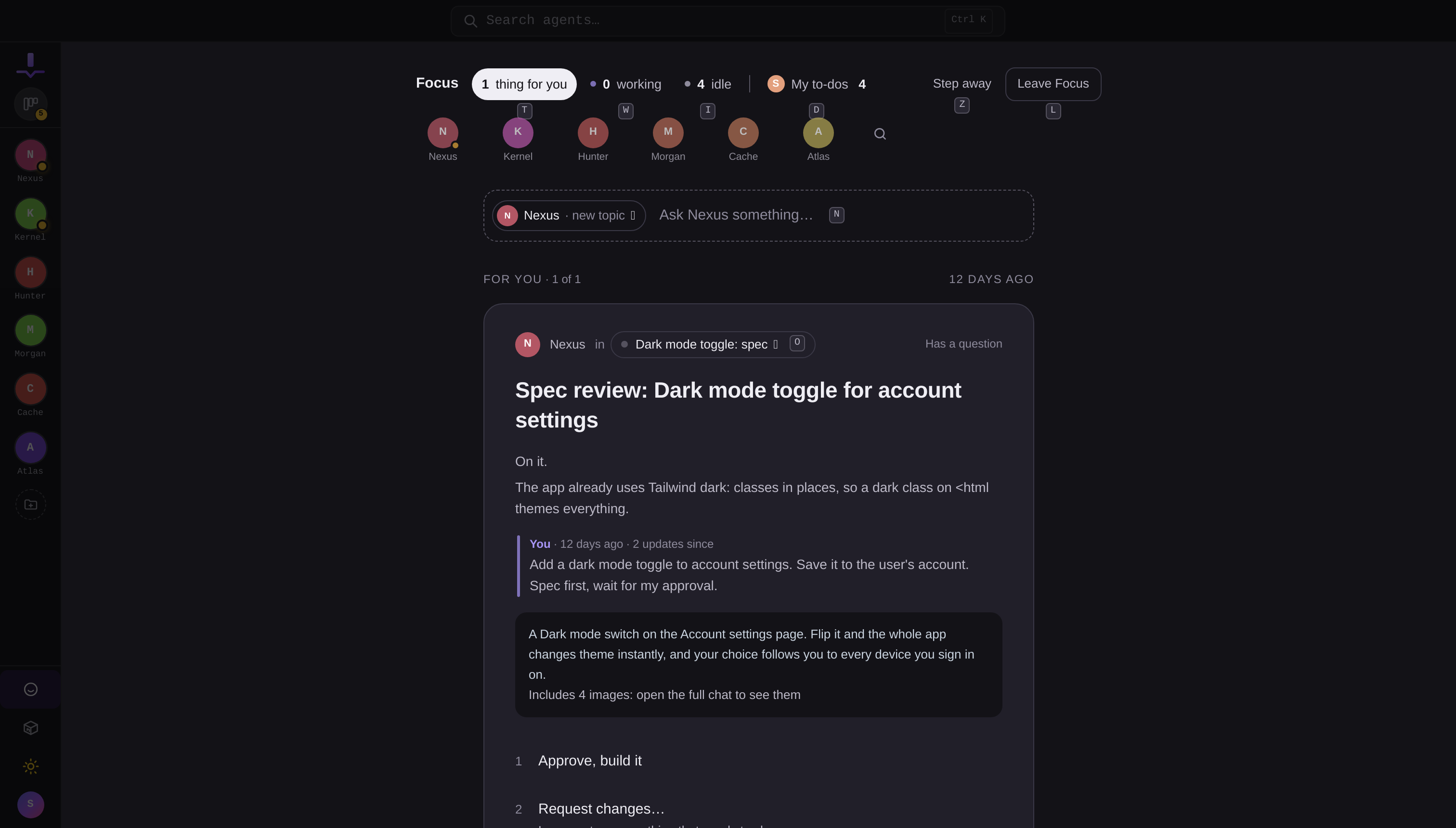
Focus also carries My to-dos: your private list that no agent can see. "Book flights friday" becomes a to-do with a due date. Today and Later, a Done today pile, and the satisfaction of a list that never gets delegated by accident.
Everything else
Replies from an agent arrive on a card with your last message quoted above them, so you always know what question you were answering. Cards expand in place to about 80% of the full conversation, or open the whole chat in a side sheet. There's an Undo window on anything you send, an away mode that greets you with a summary of what happened while you were out, and keyboard shortcuts for all of it (press ? in Focus for the cheat sheet).
Sending an answer steers a running agent mid-turn or wakes an idle one: same machinery as the chat, so nothing you say is lost between the two views.
Focus is the front door to [autonomous agents](/blogs/autonomous-agents): the job, the goals, the rules, and the schedule all come from autonomy settings, and Focus is where their questions find you.
Why this matters
The point of agents is that they work while you don't watch. Focus is the piece that makes that comfortable: the decisions come to you as cards, you clear them in seconds, and the app dims everything that isn't the decision in front of you.
Focus is live for everyone today: click the Focus tile in the rail, or [start free](/pricing) and try it with your first agent.
More releases
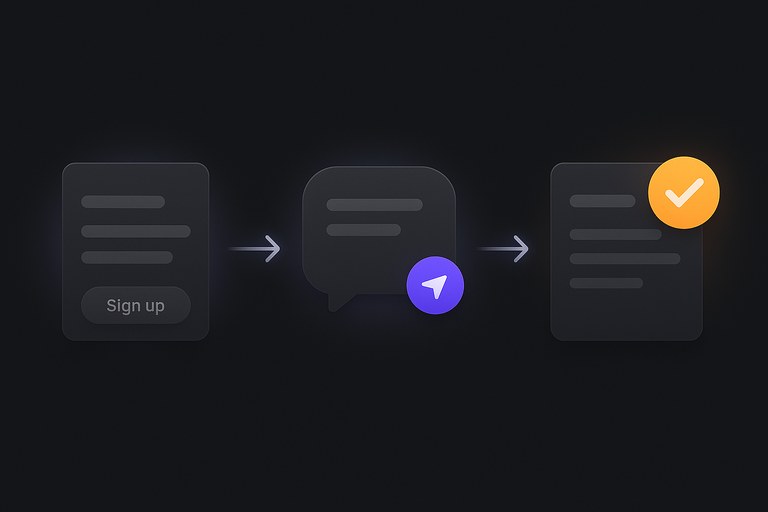
Your first JackHamr agent: from signup to a working agent in about two minutes
A step-by-step first run: create the agent, give it a job, approve its plan, and watch it work on its own cloud machine. No installs, nothing to configure upfront.
2 min read
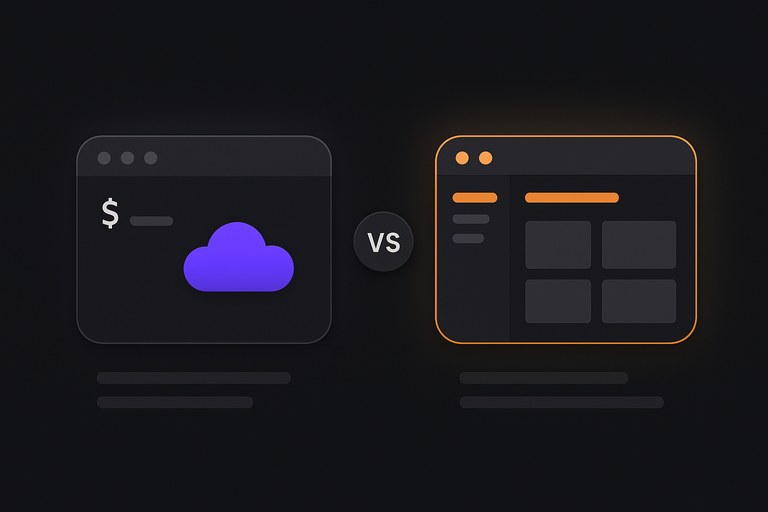
Devin Cloud vs Devin Desktop: which do you actually need?
Cognition now ships two Devis: an autonomous cloud agent that takes tickets, and an AI editor you code in. They solve different problems, and picking wrong costs either control or hours. Here is how to tell which one your work needs.
2 min read
Windsurf is now Devin Desktop: what changed, and what to use instead
Cognition acquired Windsurf, renamed the editor Devin Desktop, and replaced Cascade with Devin Local. What that means if you were a Windsurf user, and when an AI agent team is the better shape.
2 min read