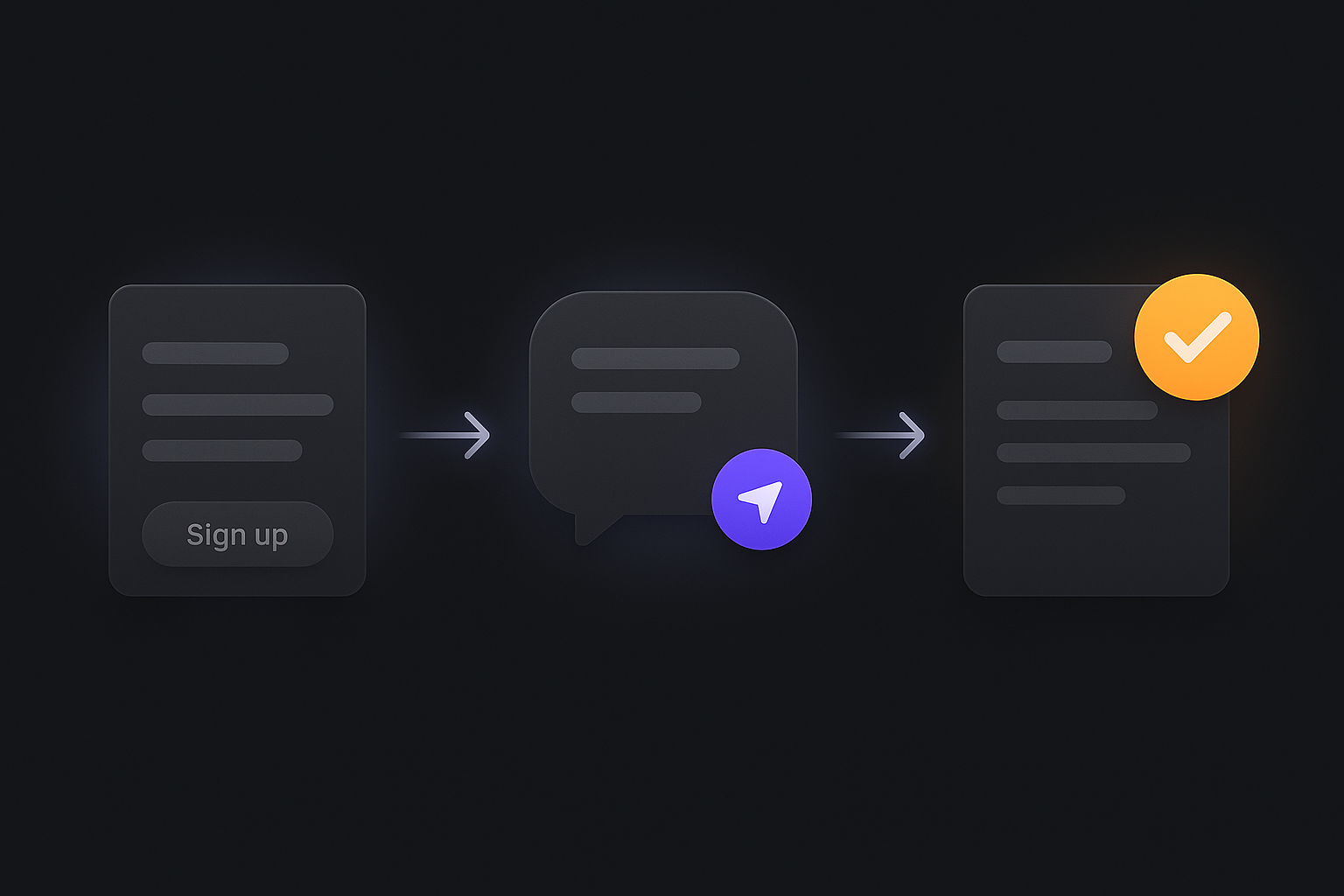
Your first JackHamr agent: from signup to a working agent in about two minutes
A step-by-step first run: create the agent, give it a job, approve its plan, and watch it work on its own cloud machine. No installs, nothing to configure upfront.
Signing up for a new developer tool usually means an hour of setup before anything works. JackHamr is built to be the opposite: the agent exists before you finish reading the welcome message. Here is what the first run actually looks like.
1. Sign up, and an agent is already there
Create an account with Google, GitHub, or email. If you come in through ChatGPT or another AI app, the flow seeds a starter agent with a first request queued and a welcome message explaining what it can do. On the web, click New Agent and pick a size (the defaults are fine to start).
2. Give it a job, not a task
The difference that matters: you are not writing a prompt, you are handing over a job. "Own our marketing site. Keep it fast, fix anything broken, grow signups." The agent turns that into a plan: recurring tasks, priorities, what it will do on its own, and what it will ask you first.
3. Sign off on the plan
Nothing runs until you approve. Read the plan, move anything around, delete what you don't want, and sign off. This is the approval gate: the agent can't act on its own before this, and after this it works within the rules you set.
4. Let it check in
The agent checks in on its own schedule (you choose how often). Each check-in it picks the most valuable next step, does the work on its own cloud machine, and comes back with results or a question. When it needs a decision, it asks on a card; your answer steers it, and it continues.
5. Watch from Focus, or don't watch at all
The Focus view shows you one card at a time: what needs you, what's working, and your own to-dos. Clear the cards in seconds and get back to your day. The agent keeps working either way.
What you need
Nothing installed: the agent's machine lives in the cloud with VS Code, a terminal, Docker, and a real browser. Bring your own model keys if you have them, or use ours. New accounts start with $30 of free credit, enough to see real work happen before paying anything.
The honest limits: GitHub only for code hosting today, and agents are new enough that you should expect to correct course early on. [Start free](/pricing) and hand your first agent a job.
More releases
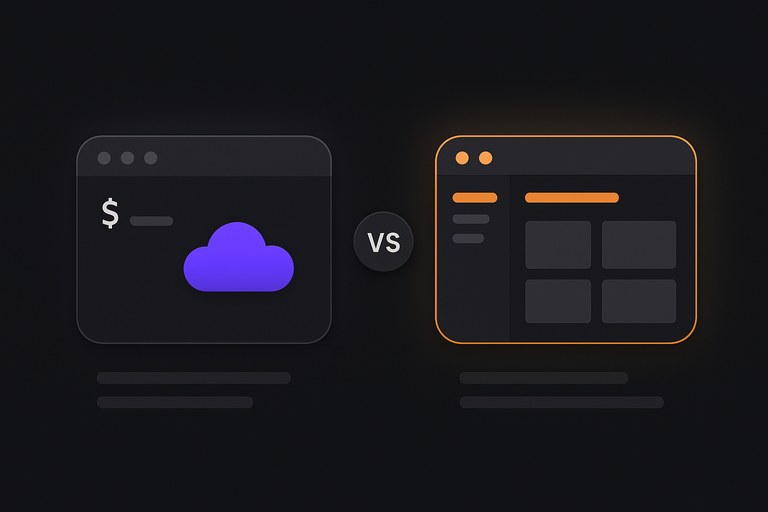
Devin Cloud vs Devin Desktop: which do you actually need?
Cognition now ships two Devis: an autonomous cloud agent that takes tickets, and an AI editor you code in. They solve different problems, and picking wrong costs either control or hours. Here is how to tell which one your work needs.
2 min read
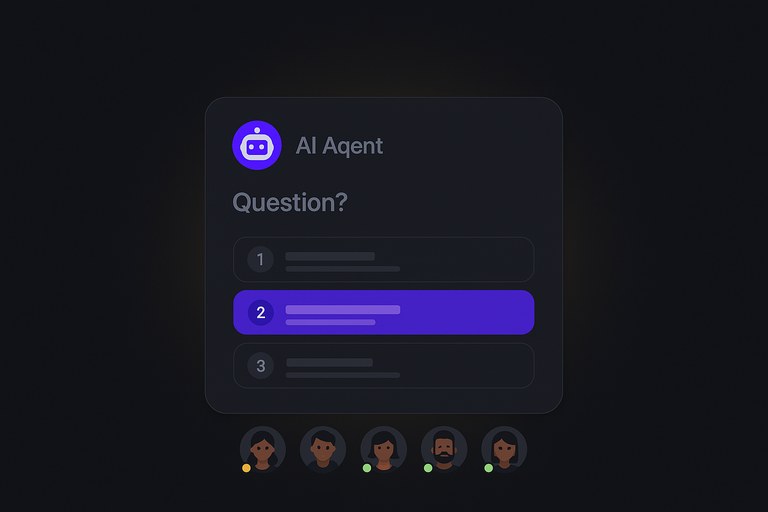
Focus: be the manager your agents need, without watching their screens
Focus turns managing AI agents into something like managing people: decisions arrive as cards, you answer in a tap, and the rest of the app dims so one thing gets your attention at a time.
3 min read
Windsurf is now Devin Desktop: what changed, and what to use instead
Cognition acquired Windsurf, renamed the editor Devin Desktop, and replaced Cascade with Devin Local. What that means if you were a Windsurf user, and when an AI agent team is the better shape.
2 min read