Compare
JackHamr vs Cursor
Cursor is the best-known AI code editor, and if you want to write code yourself with an AI pair, it is a great one. JackHamr does a different job: it runs a team of agents that take whole tasks end to end, on machines the platform hosts. Here is an honest look at where each one is stronger.
Updated September 29, 2026. Cursor details from Cursor's published pricing and documentation.
At a glance
What it is
JackHamr
An AI agent orchestration platform. Agents run the full delivery pipeline on machines the platform hosts.
Cursor
An AI-first code editor (VS Code based) with local agents, a CLI, and cloud agents that work your repos in the background.
Where the work runs
JackHamr
A persistent cloud machine per agent: up to 16 cores, 64 GB RAM, real filesystem, Docker. Files and running apps survive between tasks.
Cursor
Your local machine for editor agents; cloud agents clone your repo, run the task, then hand back a pull request.
Many agents at once
JackHamr
Boards fan tasks out to as many agents or clones as you like, in queue, clone, or distribute mode.
Cursor
Multiple background agents can run, one repo environment per task; costs are metered per task.
Pricing model
JackHamr
Pay only while agents run: infrastructure at cost with an itemized bill, tokens at provider rates. Free to start, no seats.
Cursor
Seats: free, $20, $60, $200 per person, or $40 per seat on Teams, with a token-credit system on top whose spend can outrun the seat.
Teams
JackHamr
Organizations, roles, shared agents, shared boards, shared workflows. Available today on every account.
Cursor
Teams plan adds a shared dashboard and usage reporting; collaboration is centered on code, not on shared agent fleets.
Process and approvals
JackHamr
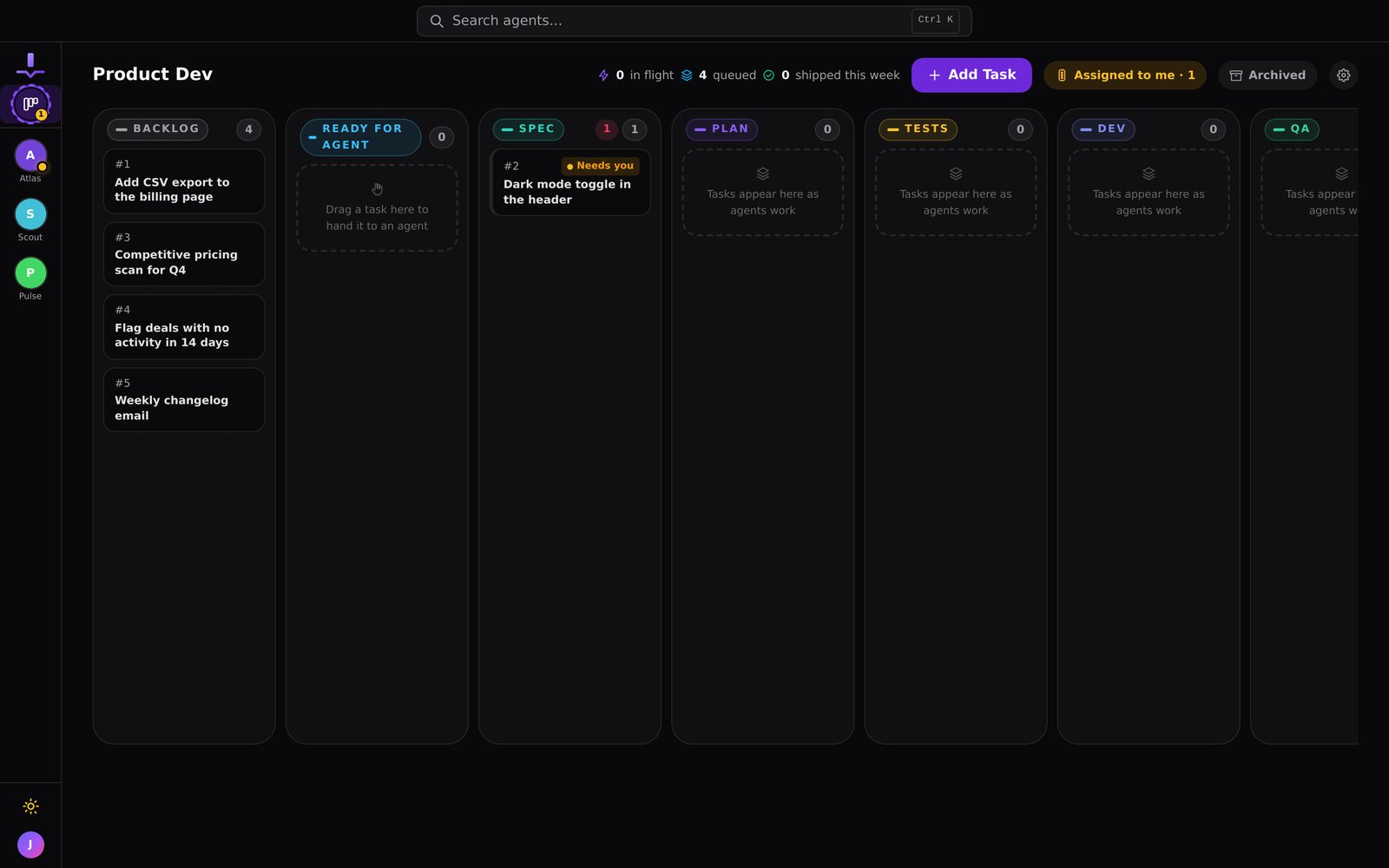
Workflows with stages (spec, plan, build, QA, code review, product review) and approval gates that queue decisions for you.
Cursor
Agent rules and review; you steer the loop inside the editor, and plan mode is available for scoping before edits.
Models
JackHamr
Any model: ours, your own OpenAI or Anthropic keys, or your Claude Code or Codex subscription as the brain.
Cursor
Frontier models plus custom models, routed through its own metering; bring-your-own-key options are limited.
Beyond code
JackHamr
Agents for research, marketing, and ops too, with 1,500+ connected apps (Gmail, Notion, HubSpot, Linear) granted per agent.
Cursor
Focused on code. The editor, CLI, and cloud agents are all developer tooling.
Watching the work
JackHamr
Live CPU, memory, disk, a streaming chat, plus an embedded browser, terminal, and editor for every agent.
Cursor
The editor shows agent activity locally; background agents report through the dashboard and pull requests.
Where JackHamr is stronger
Cursor puts the agent inside your editor, next to you. JackHamr gives each agent its own machine and its own queue, and your only job is the decisions that need taste.
- Machines that stay. Each agent keeps its files, tools, databases, and running apps between tasks. Pause it and billing stops; nothing is reclaimed out from under it.
- Pricing you can predict. Infrastructure at cost with an itemized bill and tokens at provider rates. No credit meter between you and the model, and no seats.
- A process, not just a loop. Workflows run spec, plan, build, QA, and review as separate agents, and approval gates queue the calls that need you.
- Boards for parallel work. Drop ten tasks in Ready and the fleet takes them: queue, clone, or distribute mode per board.
- More than code. Agents for research, sales, and ops, with 1,500+ apps granted one agent at a time.
Where Cursor is stronger
Being fair about this matters, so here is when we would point you to Cursor on its own.
- You want AI inside the editor you code in, with the shortest possible loop between thinking and a diff.
- Your workflow is hands-on: you review every change inline as it is written, not after a task completes.
- You are already paying for seats and your agent usage fits comfortably inside them.
- You want one tool that covers editor, CLI, and background cloud agents in a single product.
Or use both
The honest setup for a lot of developers: keep Cursor for the code you want to write yourself, and give JackHamr the tasks you would rather not do at all. Agents clone your GitHub repos, build through the pipeline, and open pull requests you review. You keep the editor; the fleet takes the backlog.
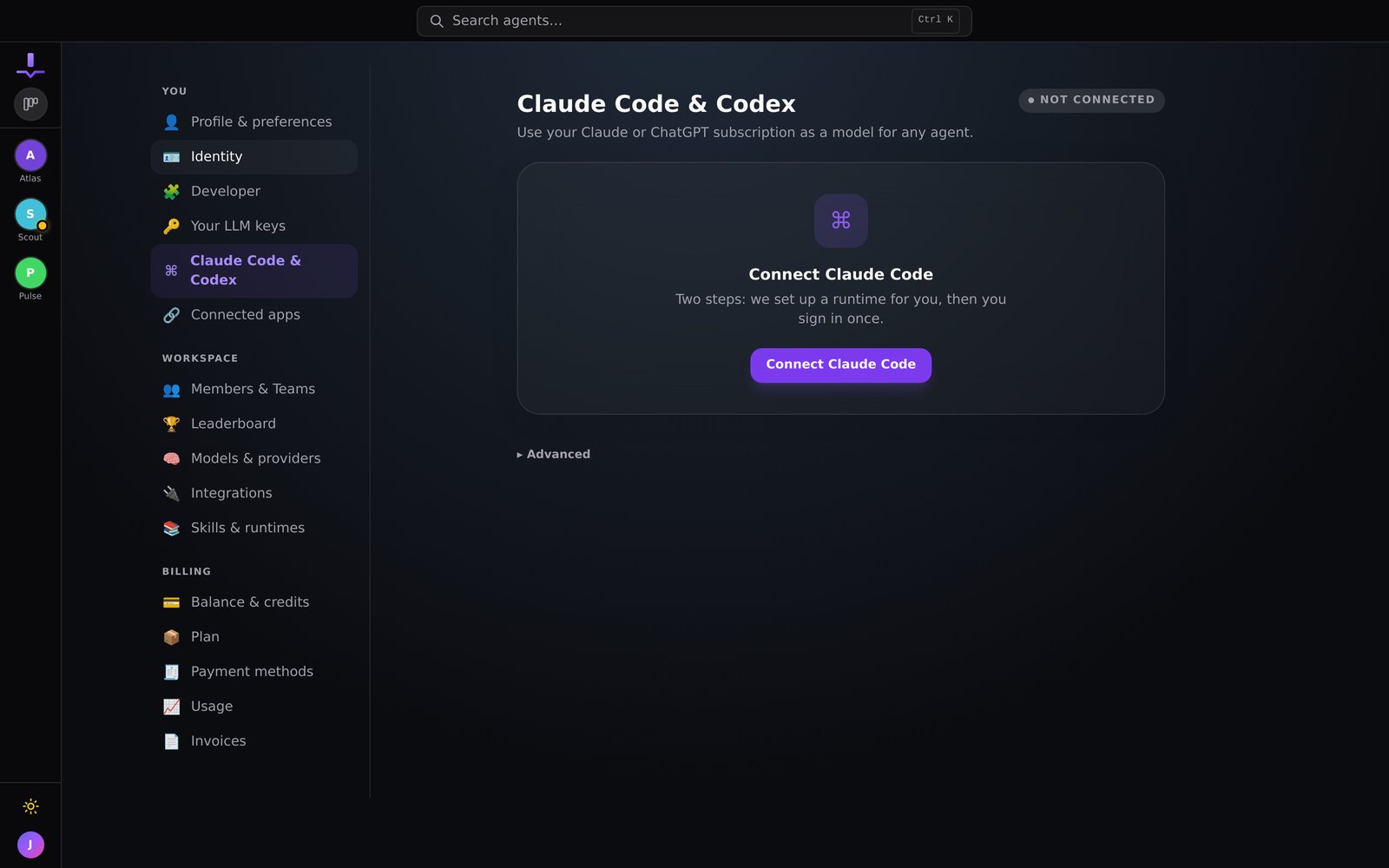
You can read how agents run the pipeline in The guided build workflow, and how parallel work is dispatched in Boards: a Kanban board your agents run.
Questions people ask
Is JackHamr a Cursor alternative?
For agent teams, yes. Cursor is the strongest AI editor if you want to keep writing the code yourself with an AI pair. JackHamr is for handing whole tasks to a fleet of agents on their own machines and reviewing the results. If your team wants to stop being the bottleneck in the loop, that is the difference.
Why does pricing come up so often with Cursor?
Cursor moved to a token-credit system, and heavy agent use is metered on top of the seat. Teams on the $40 seat who run many background agents regularly see total spend go well past the seat price. JackHamr bills infrastructure at cost while agents run and tokens at provider rates, itemized, with nothing metered through a middle layer.
Can I use JackHamr and Cursor together?
Yes, and many developers will. Keep Cursor as your editor for hands-on code, and let JackHamr agents take whole tasks: a feature built through spec, plan, build, QA, and review while you keep editing. Agents push real pull requests to your GitHub repos.
When is Cursor the better choice?
If you are a hands-on developer who wants AI inside the editor you already use, with the shortest possible loop between thinking and code, Cursor is excellent. It is not built to run a fleet of autonomous agents that finish work end to end without you driving.
Keep your editor. Hire the fleet.
Free to start. Nothing to install. Running in two minutes.