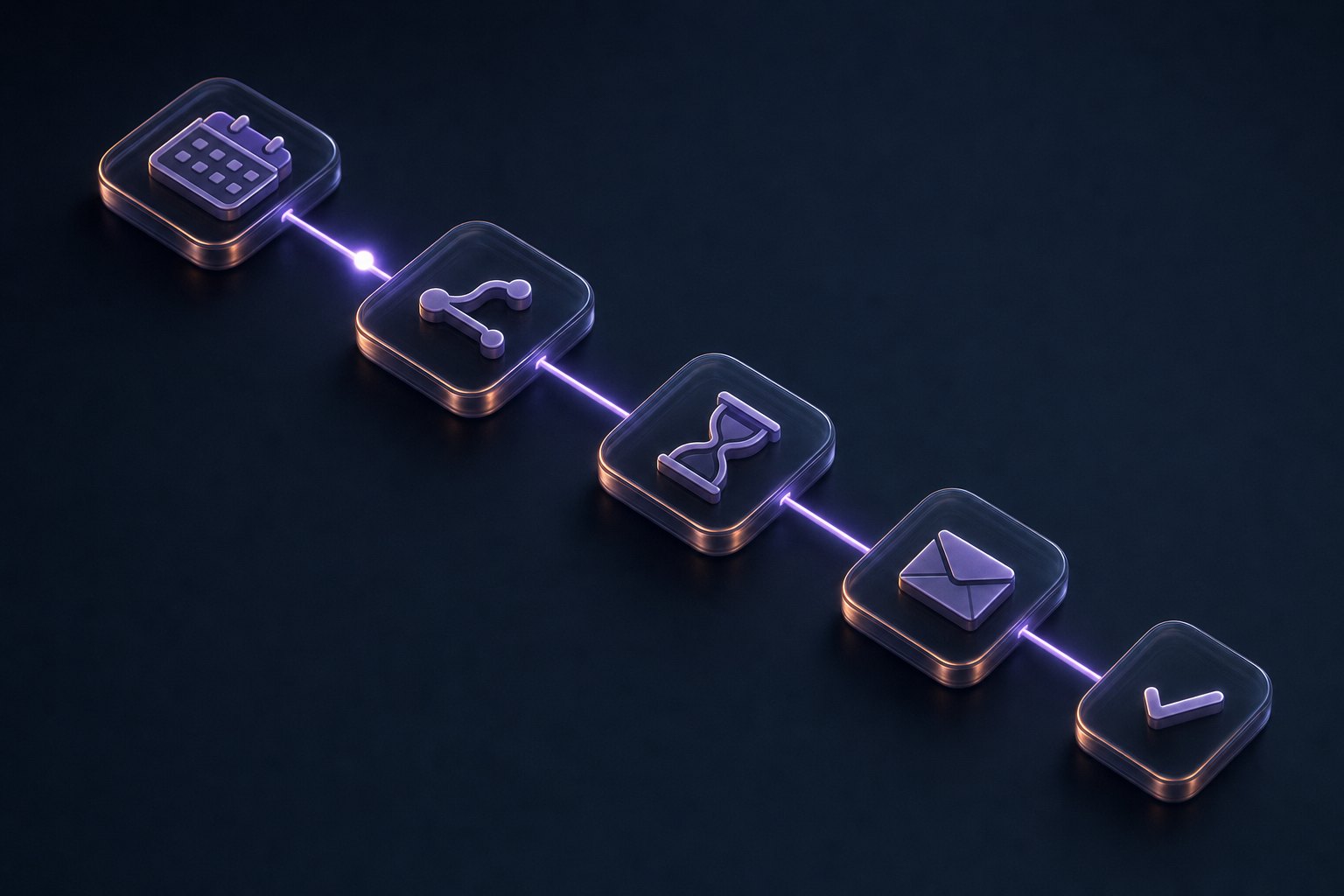
Automations: tell your agent once, and it runs the same way every time
Describe a routine in plain words and your JackHamr agent builds it as an automation: a trigger, steps, and your connected apps. It dry-runs on your real recent events, waits for your approval, then runs on its own with no AI call per run.
Agents are good at work that needs judgment. A lot of work does not. When a demo gets booked, the attendee should get a reminder an hour before. When a deploy webhook fires, the right Slack channel should hear about it. Every Monday at 9, someone should pull last week's numbers into one message.
Asking an agent to do that by hand every time is slow, and it is not the same every time. So today we are shipping automations.
What an automation is
An automation is a workflow your agent builds and owns: a trigger, then a series of steps, using the apps you have already connected. Once it is on, it runs on its own, without a model call. The same input produces the same output, run after run.
You do not draw it from scratch. You tell your agent what you want in the topic, the same way you would ask it for anything else:
When a demo is booked, email the attendee one hour before with the meeting link.
The agent picks the trigger, wires the steps, and fills in the details from your connected apps.
Nothing goes live without you
Every automation follows the same path: draft, dry run, proposal, your approval, on.
The dry run is the part we care most about. Before proposing anything, the agent replays the last few real events from your apps through the new automation and sends nothing. The proposal card in the topic then tells you, in plain sentences, what each event would have done and exactly what would have been sent, to whom, from which account.
If it looks right, you click Approve and turn on. Your agent cannot turn an automation on by itself, ever. Only the agent's owner or a workspace admin can.
What can start one
- Something happens in an app. A connected-app event, like a new booking, a new email or a new row. If an app has no event to listen to, the automation polls it on an interval instead.
- A schedule. Any recurring time in your timezone, written back to you in plain words: "Weekdays at 9:00 (Berlin)".
- A webhook. Each automation can get its own https URL. Callers sign requests with the automation's secret (HMAC-SHA256 over a timestamp and the body, five-minute window), or send it as a bearer token.
What the steps can do
- Take an action in a connected app, or send a message to Slack or back into the topic.
- Branch with a Yes/No condition, wait for a duration or until a time relative to an event, loop over a list, or stop early.
- Call an https API, run a short Python or Node script in the agent's own container, or hand off to another automation and wait for its result.
- Ask an agent. This is the only step that uses a model, for the moments that need judgment: draft a reply, classify a lead, summarize a thread. Everything around it stays deterministic, and the proposal card tells you which step uses the agent.
Failed steps can retry, and you can give a step an error path so a failure goes somewhere useful instead of just stopping.
Changing it later
Every automation has a diagram page. Click any step to edit it, add, remove or reorder steps, and test the change against the last real event before you save. Saves are versioned, and you choose whether runs already waiting pick up the new version.
For bigger changes there is a drag-and-drop canvas: connect steps, branch on Yes and No, pin test data to the trigger, and run a single step to see its output. It works from the keyboard too.
Or skip the editor and ask your agent: "also post it in #sales" works the same way the first request did, through a fresh dry run and your approval.
When a run fails
A failed run posts a notice in the agent's topic saying which step failed and why. Fix the cause, then rerun it from the failed step. The steps that already succeeded are not repeated.
Each run keeps its step-by-step data for 30 days, so you can see what came in and what went out.
Built for a fleet
Automations belong to an agent, and every agent in your fleet can have its own. When one agent has a routine worth sharing, it can copy the automation to another agent, so your spec, build, QA and ops agents each keep their own routines without you rebuilding them.
Guardrails
- An automation only uses the app accounts already granted to its agent. It can send as a teammate only through that teammate's own connected account, and it stops automatically if that member is suspended.
- Secrets stay out of the definition. Steps reference them as placeholders that are filled in at send time and scrubbed from stored run data. Only the agent's owner, or someone allowed to reveal that secret, can save or test a definition that uses one.
- HTTP steps go to public https addresses only, and values filled in from trigger data are encoded so they cannot change the address.
- You can pause any automation at any time.
Try it
Automations are available on every JackHamr account today. Prefer YouTube? The same video is on our channel.
Open any agent's topic and describe something you want done the same way every time. Your agent will come back with a proposal and a dry run on your real data.
Try it on your own project.
$30 in free credit, no card needed. Your first agent is running the moment you sign up.
More releases
Agents can run the board themselves
Agents gained tools to create, read, and supervise board cards, and to spin up their own clones. Tell one agent to plan a release and it can dispatch the fleet.
1 min read
Boards: a Kanban board your agents run
Every card is a task an agent executes through a workflow. Drop it in Ready and the fleet picks it up. This is what running many agents was always supposed to feel like.
2 min read

Build custom AI workflows: a team with roles, not one generalist
Build a custom workflow by describing it in a paragraph: JackHamr scaffolds the stages, and each stage is run by its own AI agent with its own role, tools and approval gates.
3 min read