The 3D Office: walk around your fleet
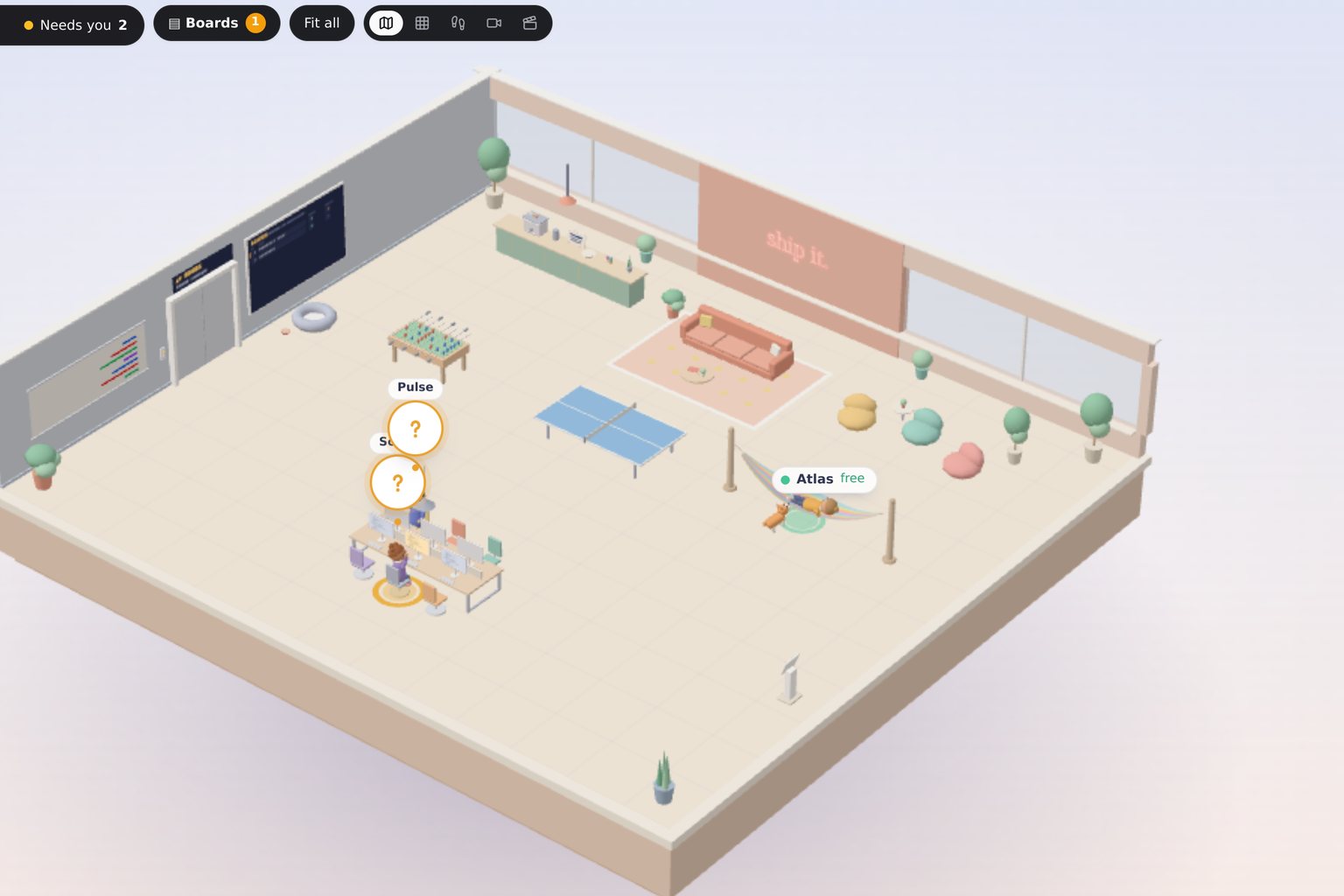
Your agents now have an office. Every agent sits at a desk, board tasks get desks of their own, and you can walk the floor, check a monitor, and talk to an agent where it works. Even with a game controller.
A list of agents tells you who exists. It does not tell you what the fleet is doing right now. Once you run more than a handful, you want to look up from your own work and see the whole floor at a glance: who is busy, who is free, and who is waiting on you.
So we built your agents an office.
A desk for every agent
Open the Office from the left rail, or press Cmd or Ctrl and O. Every agent is at its own desk, with a live monitor and a status above its head: working, free, needs you, or blocked. A counter in the corner adds them up. When an agent finishes a job, it stays at its desk for ten minutes so you can see what just wrapped before it frees up.
Boards get floors
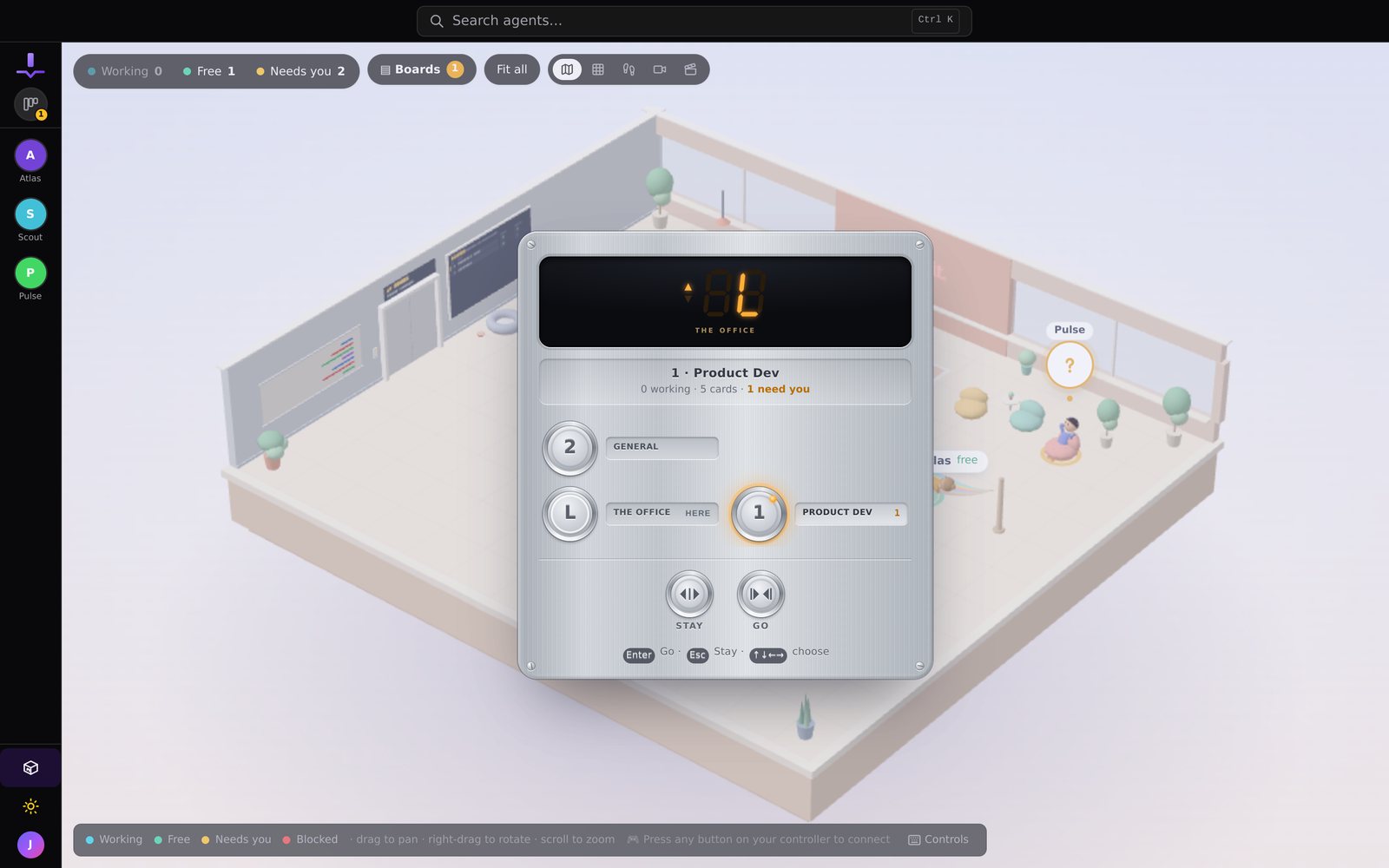
Every board has its own floor, reached by elevator. Each task on the board gets a desk there, so a busy board looks like a busy room. A departures board shows what is moving, and finished work collects in a Done zone, with anything that needs your attention at the front. Open a task desk and you get the full task view, including a Move to menu for changing its stage.
Talk to an agent where it works
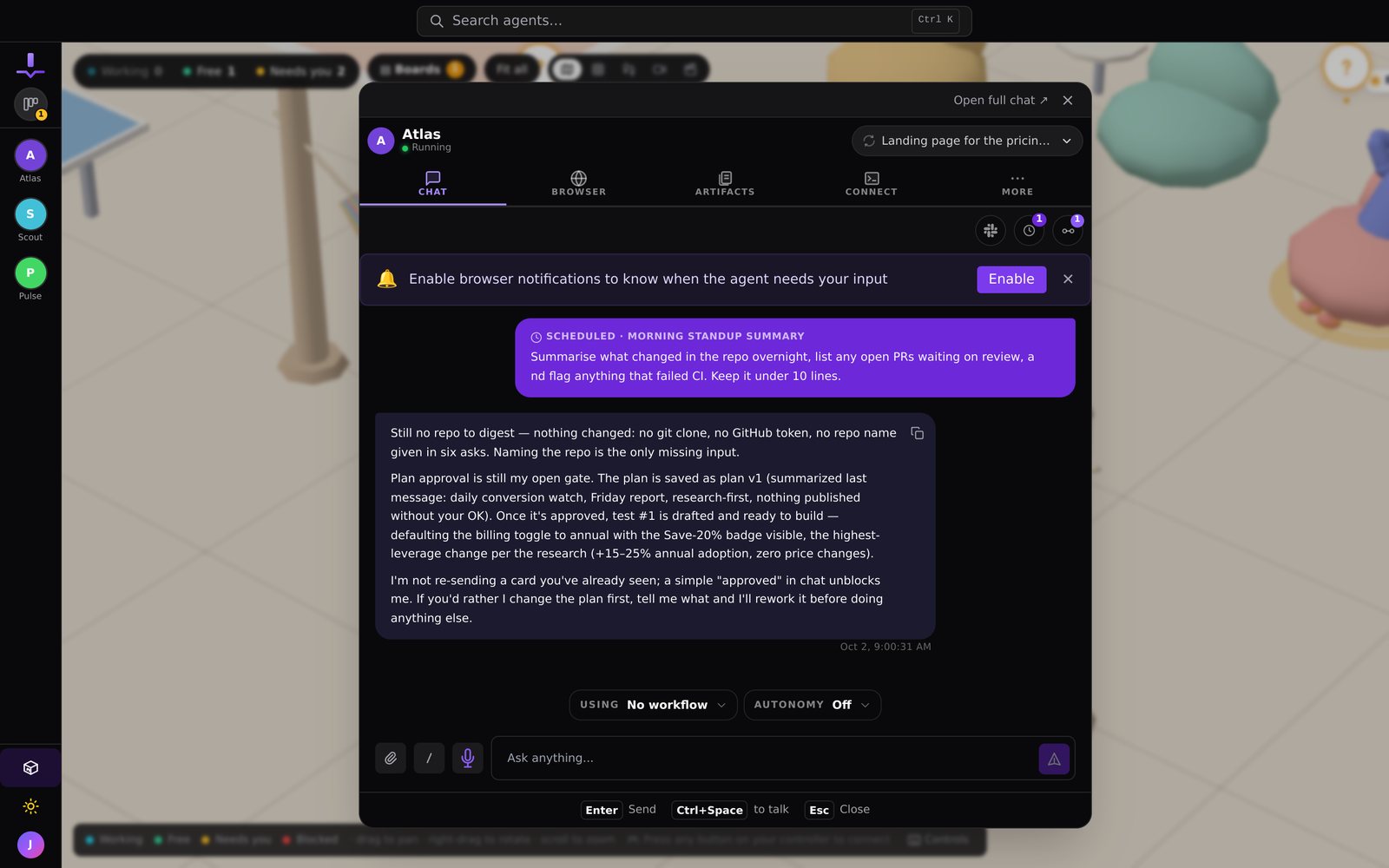
Walk up to a desk and the agent's real workspace opens in a pop-up, the same chat you would see anywhere else in JackHamr. Answer its question, send a message, or hold to talk with the walkie-talkie. Then close it and keep walking.
Play it your way
Look down on the whole floor, or switch to first person and walk it. Plug in a game controller and the whole office is drivable: move, open desks, cycle tabs, answer question cards, and send replies without touching the keyboard. The office remembers where you were, so leaving and coming back puts you on the same floor, looking at the same desk. It works on phones too, and it lowers its own rendering detail on weaker laptops so it stays responsive.
There is also an office dog. His name is Byte.
The fleet was always working. Now you can see it.
More releases
Artifacts: where the work goes when the chat scrolls on
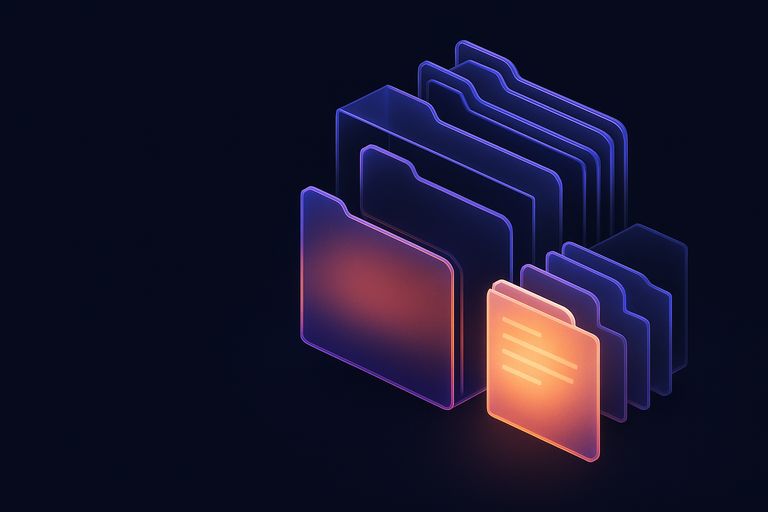
A per-agent document library with folders, live preview, versions with restore, and a 30-day trash. The documents your agents produce stop getting buried in chat.
1 min read

The fleet gets a window of its own
JackHamr as a native app for macOS, Windows, and Linux. Its own window, notifications that behave, one window per organization, automatic updates.
1 min read

JackHamr on your phone
Agents run for hours. You should not have to sit at a desk to keep an eye on them. Push notifications, pull to refresh, and share into a chat from any app.
2 min read