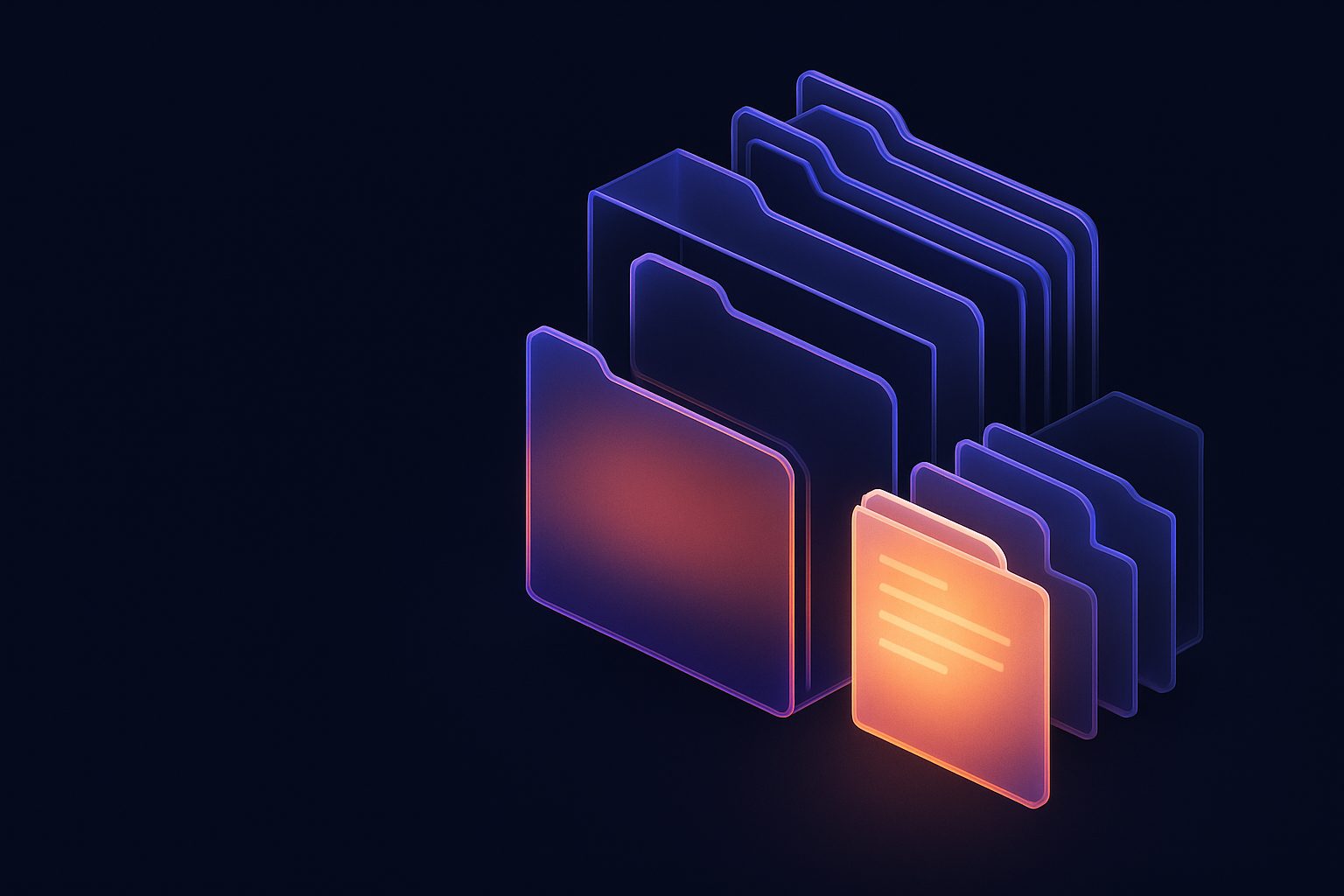
Artifacts: where the work goes when the chat scrolls on
A per-agent document library with folders, live preview, versions with restore, and a 30-day trash. The documents your agents produce stop getting buried in chat.
Agents produce documents all day. Specs. Reports. Landing pages. Spreadsheets. Analyses. And until today every one of them landed in a chat message and slid slowly up the screen into oblivion. Finding last Tuesday's report meant remembering which conversation it was in. Today every agent has a library.
The Artifacts tab
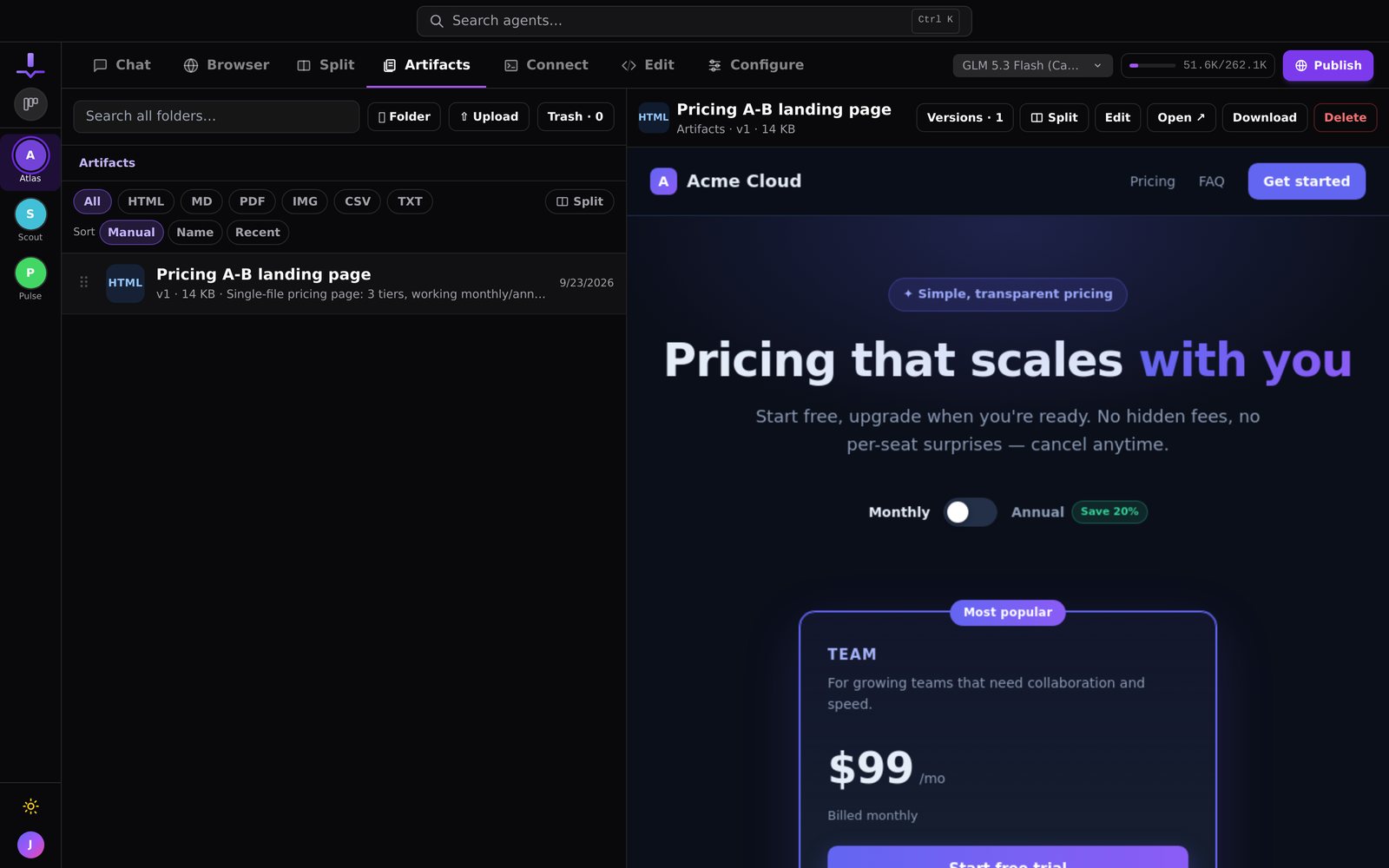
Every agent now has an Artifacts tab: a document library that belongs to the agent and to you.
- Preview in place. HTML renders live, plus Markdown, PDF, images, and CSV, without downloading anything
- Nested folders, drag to reorder or to file things away, and search across the whole library
- Every update keeps the previous version, and you can restore any of them. Nothing is ever overwritten
- A trash with thirty days to change your mind
Ask the agent
You do not file things yourself. Say "save that as an artifact in Reports/Weekly" and the report lands there, with a card in the chat that opens it. Agents save artifacts on their own when they produce something you will want to come back to: a spec, a mockup, an export.
Split view and editing
On September 17, artifacts learned to sit beside the chat in a Split view and refresh live as the agent rewrites them. Watch a landing page take shape while you talk about it. On September 21, text artifacts gained Edit, which opens them in the agent's VS Code and saves your changes back as a new version.
It all works on mobile.
The idea
Chat is for the conversation. The library is for the work. Keeping them separate is what lets both stay useful after a month.
More releases
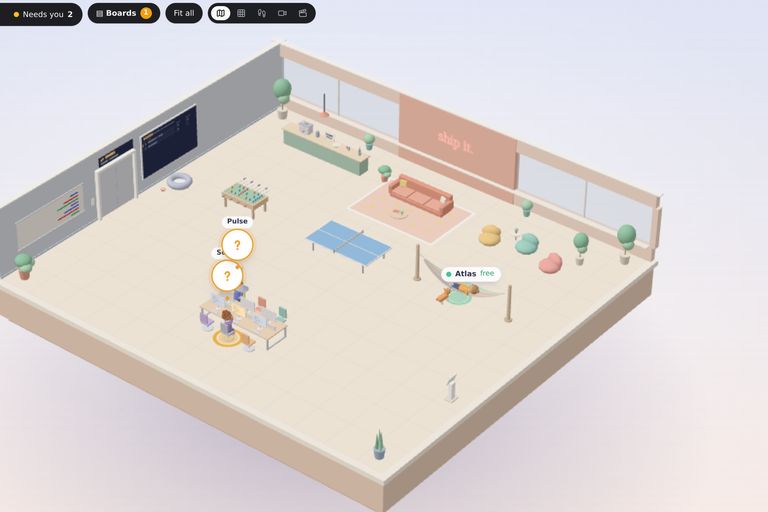
The 3D Office: walk around your fleet
Your agents now have an office. Every agent sits at a desk, board tasks get desks of their own, and you can walk the floor, check a monitor, and talk to an agent where it works. Even with a game controller.
2 min read
The fleet gets a window of its own
JackHamr as a native app for macOS, Windows, and Linux. Its own window, notifications that behave, one window per organization, automatic updates.
1 min read
JackHamr on your phone
Agents run for hours. You should not have to sit at a desk to keep an eye on them. Push notifications, pull to refresh, and share into a chat from any app.
2 min read