
JackHamr on your phone
Agents run for hours. You should not have to sit at a desk to keep an eye on them. Push notifications, pull to refresh, and share into a chat from any app.
Here is a thing that happens once you run agents that work for hours at a time. You leave. You go to lunch, you pick up the kids, you get on a train. And somewhere in the middle of that, an agent finishes a spec and needs you to approve it before it can continue. Until today, it waited until you got back to your desk.
The mobile shell
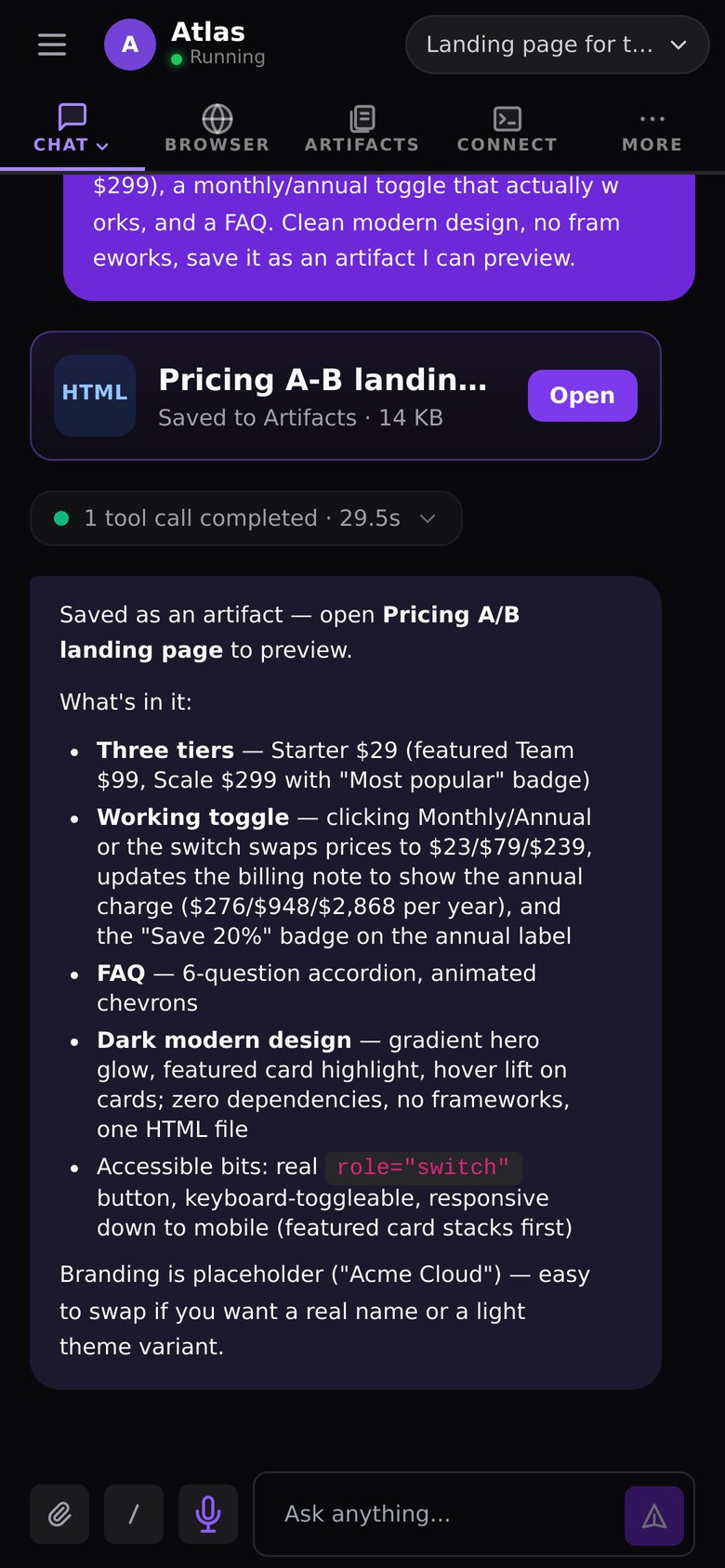
The JackHamr dashboard now runs inside a native shell for iOS and Android, and it behaves like a real app rather than a website in a wrapper.
- Push notifications when an agent finishes a turn or needs a decision, delivered through the platform's own push service and suppressed automatically when you are already looking at that chat
- Pull to refresh on every list
- Share a screenshot, a PDF, or a link from any other app straight into an agent conversation
- A one-tap model strip under the top bar, so switching models does not mean digging through a menu
- Downloads handled by the native layer, so a file an agent sends you lands in your files, not a browser tab
Approve from anywhere
The real point is the approval gates. Spec review, plan review, a question card asking which of three approaches you prefer: these are thirty-second decisions, and they used to block a pipeline for hours because you were away from a keyboard. Now the notification arrives, you read the card, you tap Approve, and the fleet keeps moving.
What it is not
It is not a place to write code on a phone. Nobody wants that. It is a place to direct: read what happened, make the call, and get back to your day. That is most of what running a fleet actually is.
The desktop app came later. The phone came first, because the phone is where you are when the agent needs you.
More releases
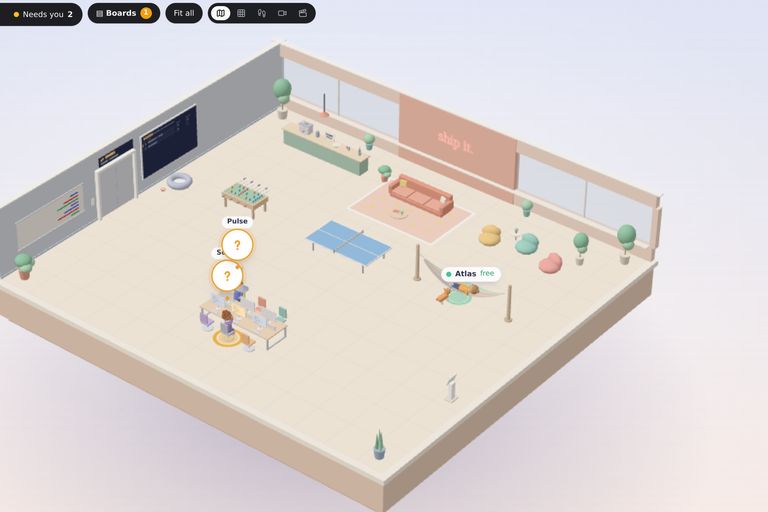
The 3D Office: walk around your fleet
Your agents now have an office. Every agent sits at a desk, board tasks get desks of their own, and you can walk the floor, check a monitor, and talk to an agent where it works. Even with a game controller.
2 min read
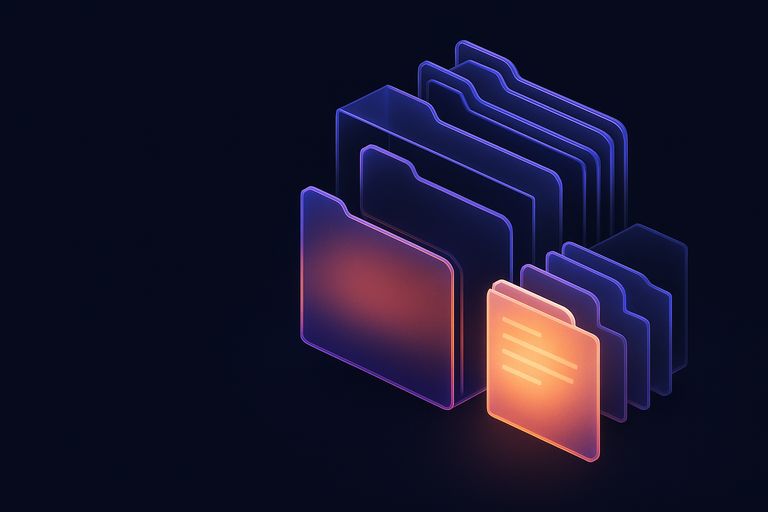
Artifacts: where the work goes when the chat scrolls on
A per-agent document library with folders, live preview, versions with restore, and a 30-day trash. The documents your agents produce stop getting buried in chat.
1 min read
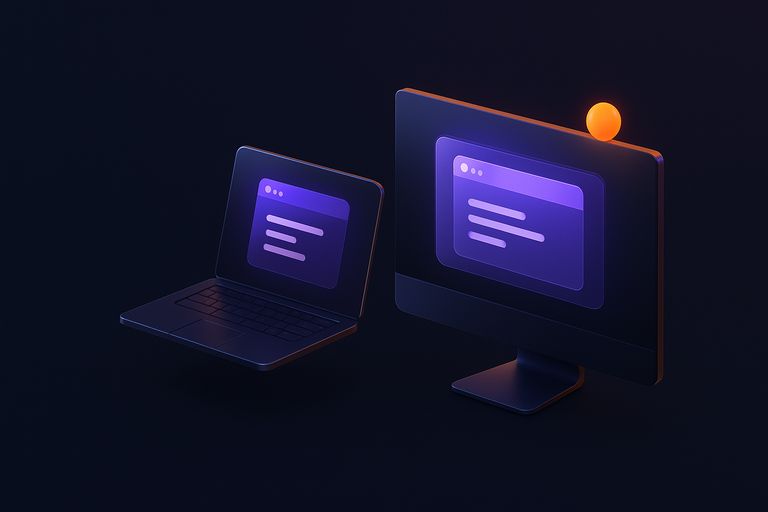
The fleet gets a window of its own
JackHamr as a native app for macOS, Windows, and Linux. Its own window, notifications that behave, one window per organization, automatic updates.
1 min read