
Agents that work while you are not in the room
Schedules so an agent starts without you, and sharing so it answers to the whole team. Recurring work, no reminders, everyone on the same conversation.
Every morning at seven an agent reads yesterday's error dashboard, writes down what moved, and posts it before anyone has opened a laptop. Nobody prompted it. Three people can reply, and it knows which one asked. That is this release: schedules so an agent starts without you, sharing so it answers to the whole team.
Scheduled runs
A clock pill in the chat header opens the scheduler. Pick a preset or write a cron expression, in your timezone, and decide what happens if the agent is already busy when the schedule fires: skip, retry in a minute, or queue. From then on the agent wakes on its own, does the work, and leaves the result in the chat.
Agents can create schedules for themselves. Ask one to check a dashboard every weekday and it sets that up. In July we added one-shot follow-ups, so when an agent says it will check back in twenty minutes, it does.
Agent sharing
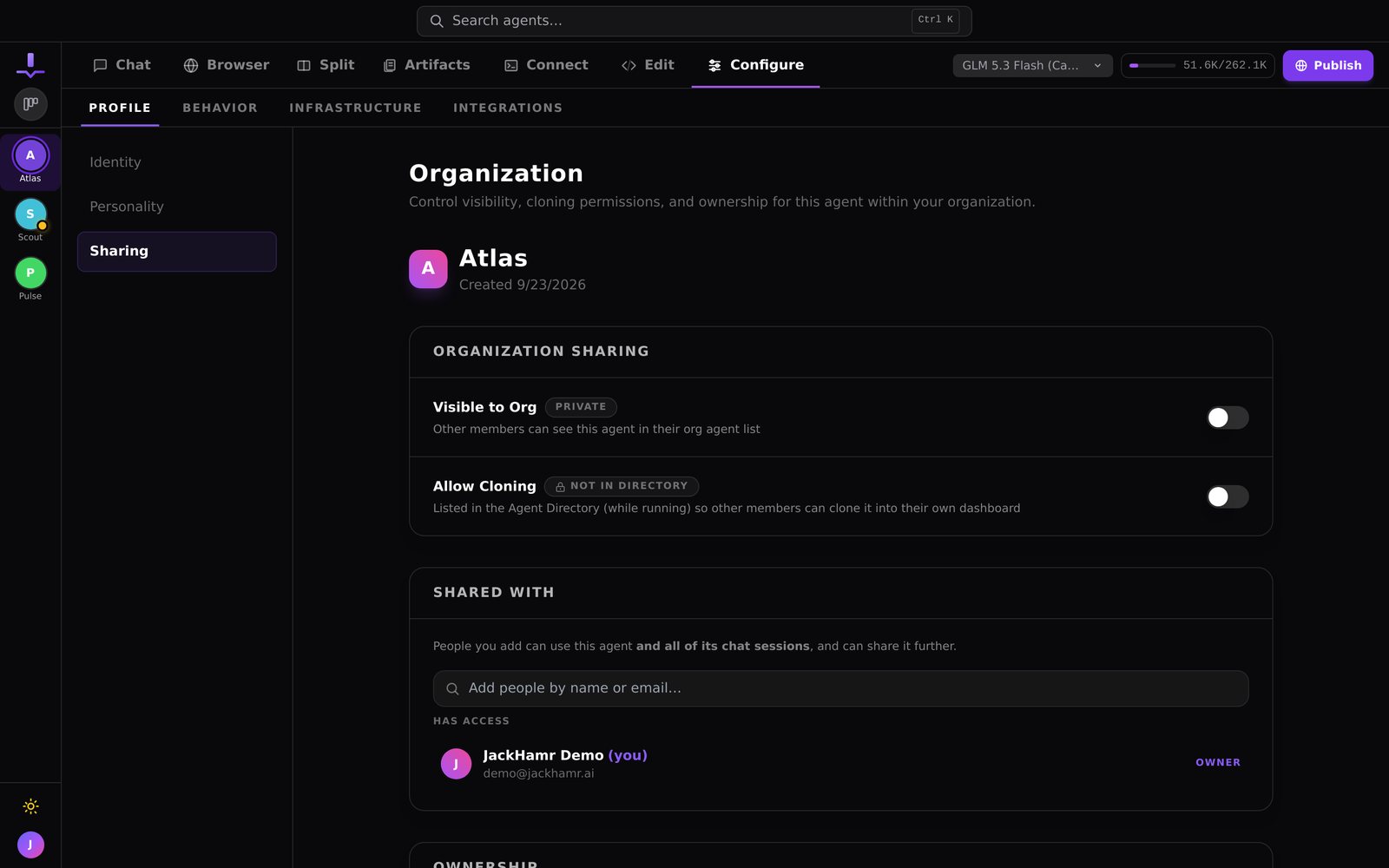
Share an agent with specific colleagues from a search-to-add dialog in its settings. Everyone with access sees the same sessions, can send messages, and every message carries the name of who sent it. Shared agents appear in each person's dashboard next to their own.
This is the line between a tool and a teammate. A teammate can be briefed by anyone on the team. When your designer, your PM, and you can all talk to the same agent about the same feature, it stops being a personal shortcut and becomes part of how the team works.
Put them together
Schedule a shared agent and you have a piece of the team that runs on a timer and reports to everyone. A morning standup summary. A nightly dependency audit. A weekly competitive scan. Nobody has to remember to ask, and nobody has to forward the answer.
How to build a custom workflow, step by step
People ask this exact question, so here is the shortest honest version:
1. Open a board and describe the workflow in one paragraph: what the stages are, what each stage produces, and who approves what. 2. JackHamr scaffolds the stages. Each stage becomes a card run by its own agent with its own role, tools, and approval gate. 3. Set the execution mode per stage: sequential for handoffs, parallel for independent work, or a scheduled run for recurring jobs. 4. Run it once, watch the gates, and adjust the stage prompts where the output surprised you. Workflows are cheap to re-run; the first run is a draft, not a commitment.
Custom workflow questions people ask
**How much configuration does a custom workflow need?** One paragraph to start. The scaffold does the wiring; most of the real configuration is tuning the stage prompts after the first run, not setting up the workflow itself.
**Can a workflow include both generative and retrieval steps?** Yes. A stage can be an agent that writes (generative) or one that searches, reads, and reports (retrieval), and workflows mix them freely. A common pattern: retrieve context first, generate a draft second, review third.
**Can workflows move tasks through board stages automatically?** Yes. Agents with board tools file, move, and edit cards themselves, and scheduled runs advance work without anyone clicking. The approval gates are where a human still steps in.
**What is the difference between a workflow and a board?** A board holds work at various stages; a workflow defines how a piece of work moves through stages and who handles each. Most teams run several workflows over one board.
Try it on your own project.
$30 in free credit, no card needed. Your first agent is running the moment you sign up.
More releases
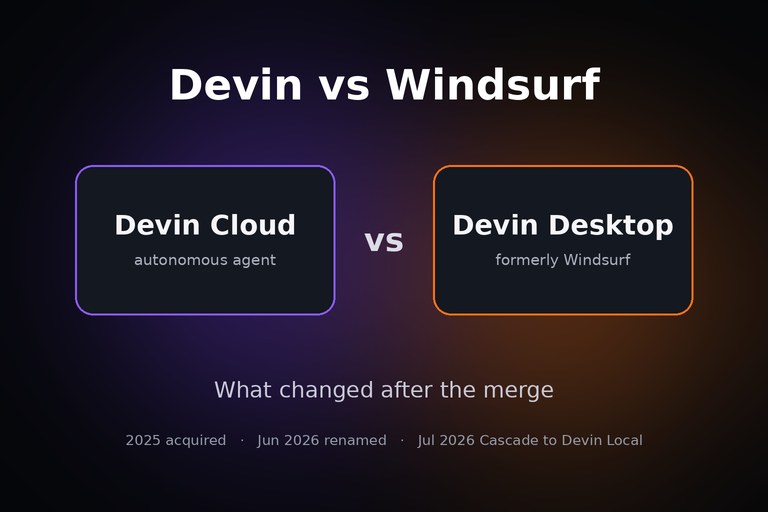
Devin vs Windsurf: which one to use now that Windsurf is Devin Desktop
Devin and Windsurf are one company with two products: Devin Cloud hands off tasks and returns pull requests; Devin Desktop is the editor you code in. Which fits your work, what changed for Windsurf users, and a third option for teams.
4 min read
How developers actually compare AI dev environments (from a real evaluation)
A developer is evaluating JackHamr as his fourth AI dev environment. Here are the criteria that decide it: real tests, BYOK, predictable pricing, and gates you control.
2 min read
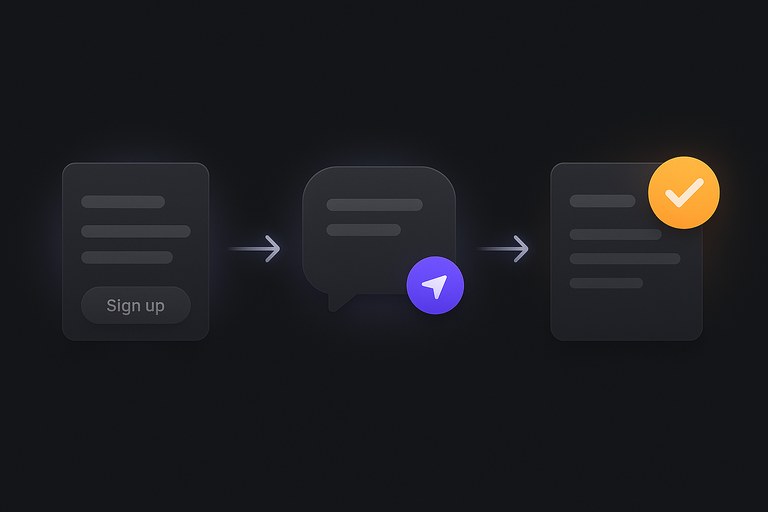
Your first run: what handing an agent a job actually looks like
A real first run, screenshot by screenshot: the agent that greets you, the job you hand it, the plan you approve, and the decision card that arrives when it needs you. No setup hour, no whiteboard.
3 min read