
Publish: your agent's app on your own domain
A guided wizard for custom domains and instant jackhamr.app subdomains. Anything an agent builds becomes a URL you can send to a customer.
An agent builds you a landing page. It looks great in the agent's browser. Now what? Until today the honest answer involved copying files somewhere and configuring something. Today the answer is a button.
The Publish button
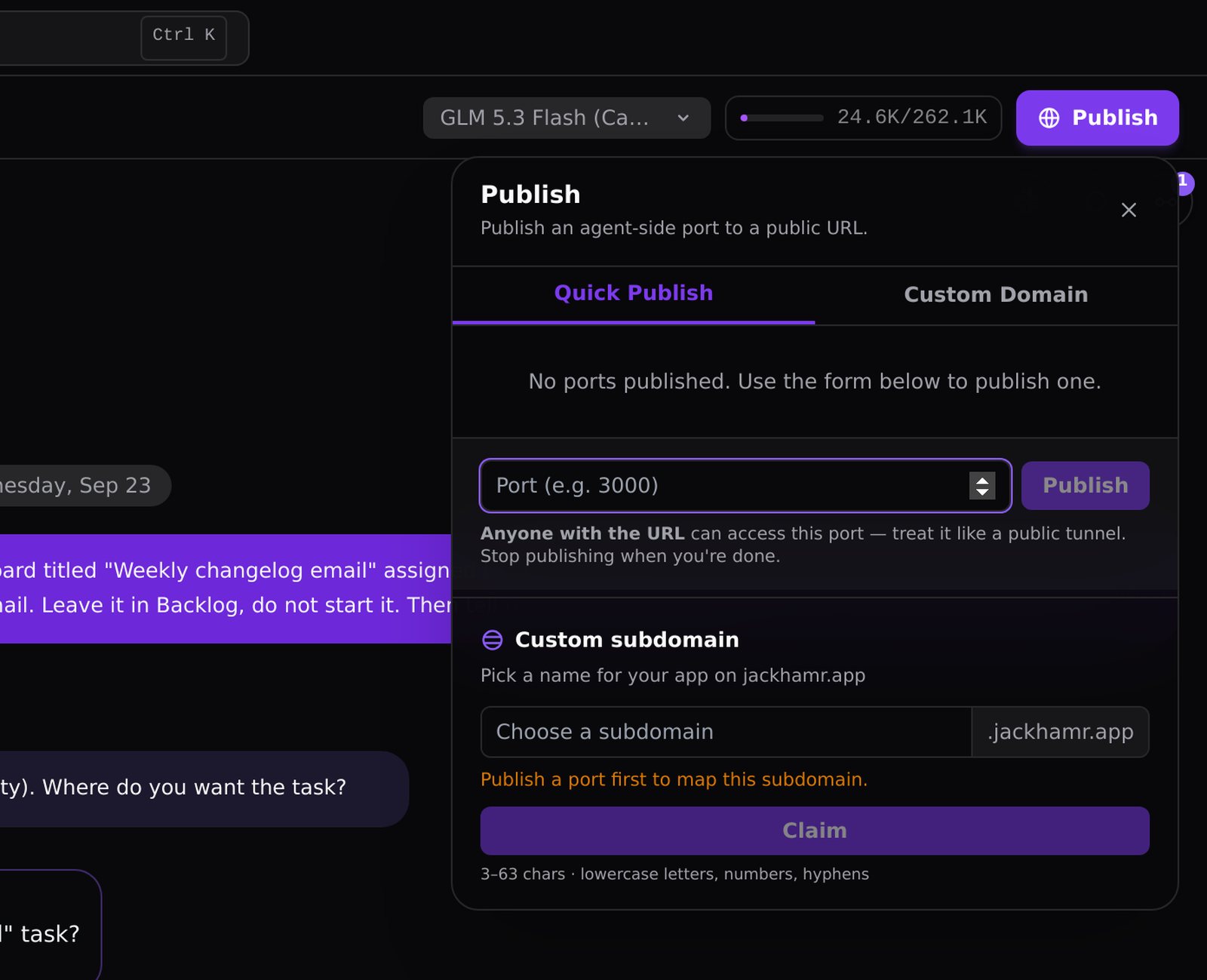
There is a violet Publish button on the workspace. Press it and you have two paths.
Custom domain: a guided wizard walks you through Domain, DNS, Port, Verify, Live. Point a CNAME at JackHamr, tell us which port the app is listening on, and we route traffic from your domain to that port on the agent's machine. The wizard probes the machine to find what is listening, so you rarely have to guess.
Quick subdomain: claim name.jackhamr.app on the port you choose and it is live immediately. Good for previews, demos, and anything you want to share in the next five minutes.
What this changes
Publishing used to be the step where "the agent built it" turned into "and then I spent an afternoon deploying it". Now the agent can build a prototype in the morning and you can send the link at lunch. Internal tools, client previews, marketing pages, a quick dashboard for the team: all of these go from finished to shared without leaving JackHamr.
In September we took this a step further and let agents ask to publish a port themselves, with a confirmation card that shows you the exact public URL before anything goes live. But it started here, with the button.
More releases
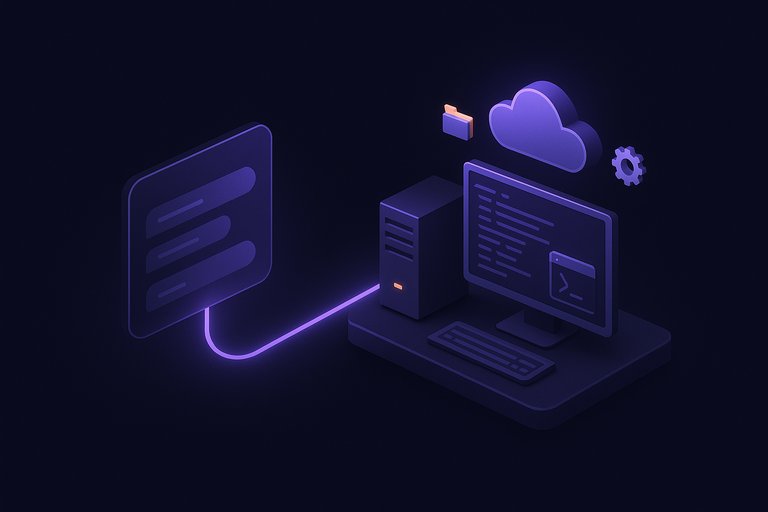
Your JackHamr agents, now inside Claude and ChatGPT
Hand work to your JackHamr agents from Claude, ChatGPT, Cursor or any app that supports MCP. Follow the work, answer their questions, and get the results back without opening JackHamr.
4 min read
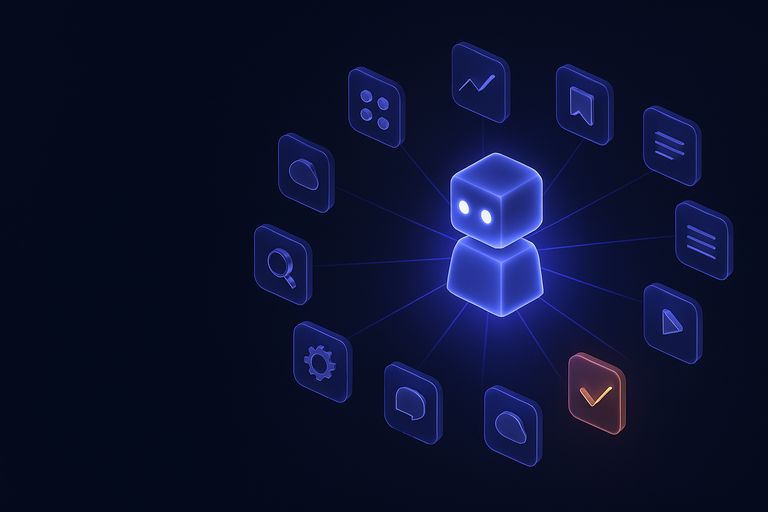
Grant an agent your inbox
Gmail, Slack, Notion, Linear, HubSpot and 1,500 more apps, granted one agent at a time, denied by default. Plus your own MCP servers with OAuth.
2 min read

Everything you can click, you can now call
A build fails at two in the morning and your CI job hands the log to an agent. The v1 API puts agents, chat, boards, organizations, and billing behind a personal key.
1 min read