
Talk to your agents in Slack
Connect any conversation to a channel. Agents post as themselves, approval cards become buttons, and the team directs the fleet where it already lives.
Your team does not live in JackHamr. It lives in Slack. It has always lived in Slack. So instead of asking people to open another tab to see what their agents are doing, we brought the agents to the channel.
How it works
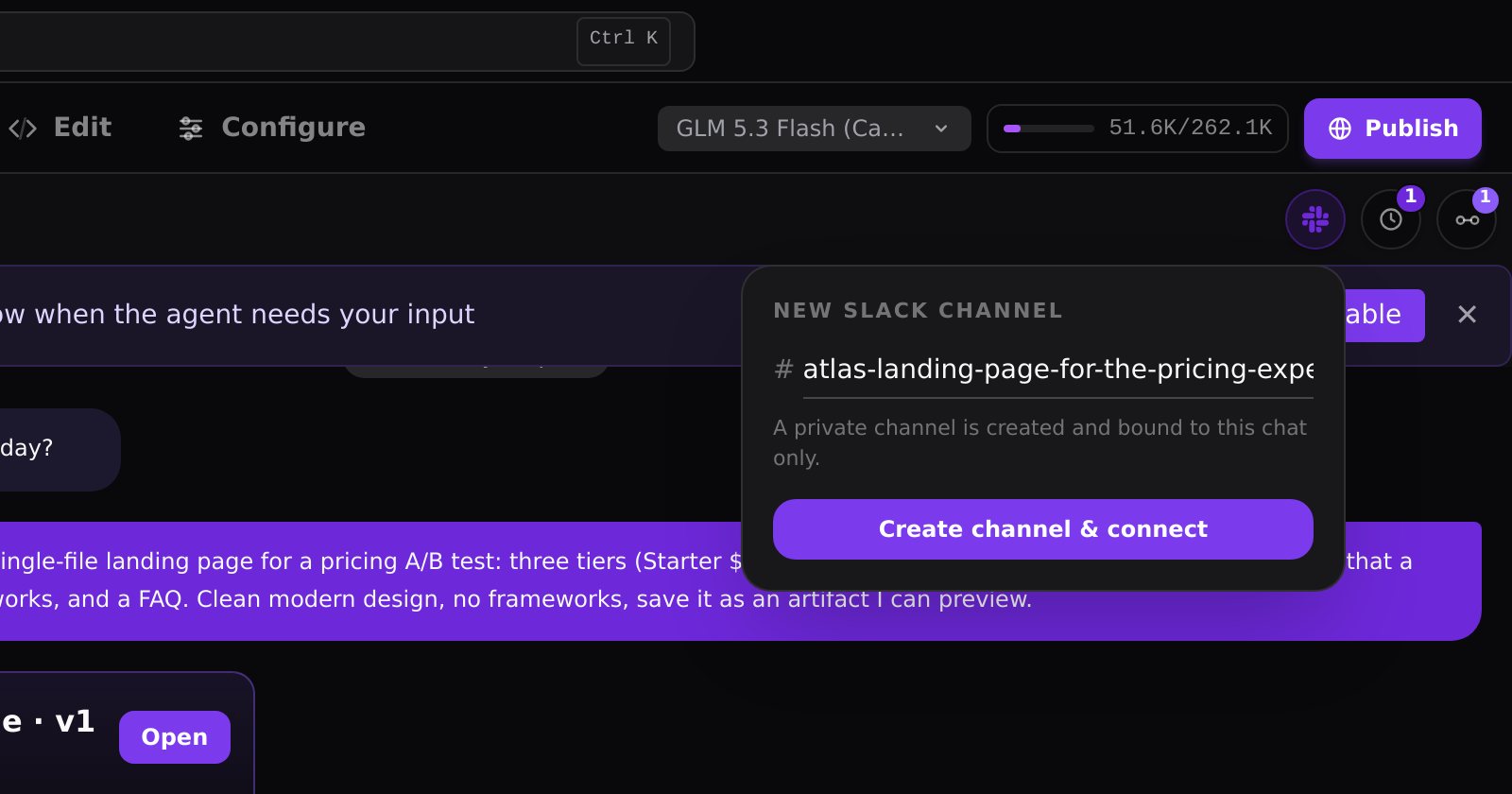
Install the JackHamr Slack app. Open any conversation and click Slack to connect it to a channel: one channel per connected conversation, created for you. From that moment the agent posts its updates there under its own name and face, mirrors any files it produces, and links every message back to the full session. Reply in the channel and the agent picks it up. Mention a colleague and they see it. Our first design created channels and threads automatically; three days in we replaced it with this plainer version, because less magic meant more control.
Approvals in Slack
Approval gates and question cards render as Slack buttons. A spec arrives for review, the summary and the Approve button sit in the thread, and the person with the authority taps it from a phone during a meeting. The pipeline moves on.
- Switch models with the model command from either side
- Link your own Slack account so mentions reach you personally
- Board tasks have a Post updates to Slack option at creation
Why it matters
Ten agents working is only useful if the team can see the work. Slack is where the team is. Now the agents are there too, and approving a spec is one more thing that happens in the channel.
The fleet was always a team asset. Now the team can see it.
More releases

Your JackHamr agents, now inside Claude and ChatGPT
Hand work to your JackHamr agents from Claude, ChatGPT, Cursor or any app that supports MCP. Follow the work, answer their questions, and get the results back without opening JackHamr.
4 min read

Grant an agent your inbox
Gmail, Slack, Notion, Linear, HubSpot and 1,500 more apps, granted one agent at a time, denied by default. Plus your own MCP servers with OAuth.
2 min read

Everything you can click, you can now call
A build fails at two in the morning and your CI job hands the log to an agent. The v1 API puts agents, chat, boards, organizations, and billing behind a personal key.
1 min read